PHOTOGRAPHY COURSES
At IMAGINE PHOTO STUDIOS we have developed an extensive curriculum of photographic courses to enable anyone with an SLR camera to create top quality images that you never thought possible.
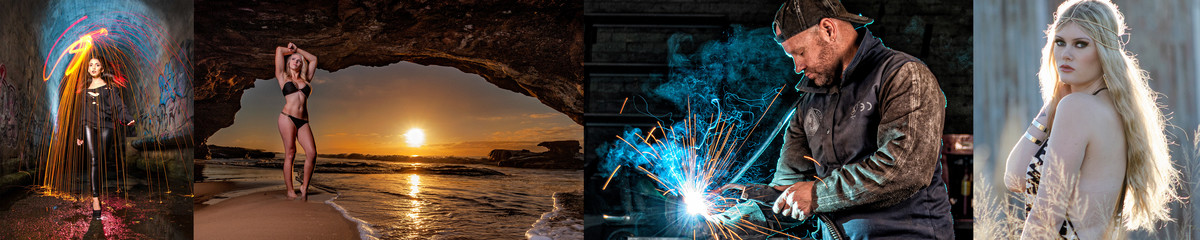
From basic portraits to glamour makeovers, night photography, Black & white fine art, Advertising and commercial shots to anything that gets you excited about image making.
3 Hour SLR Workshop
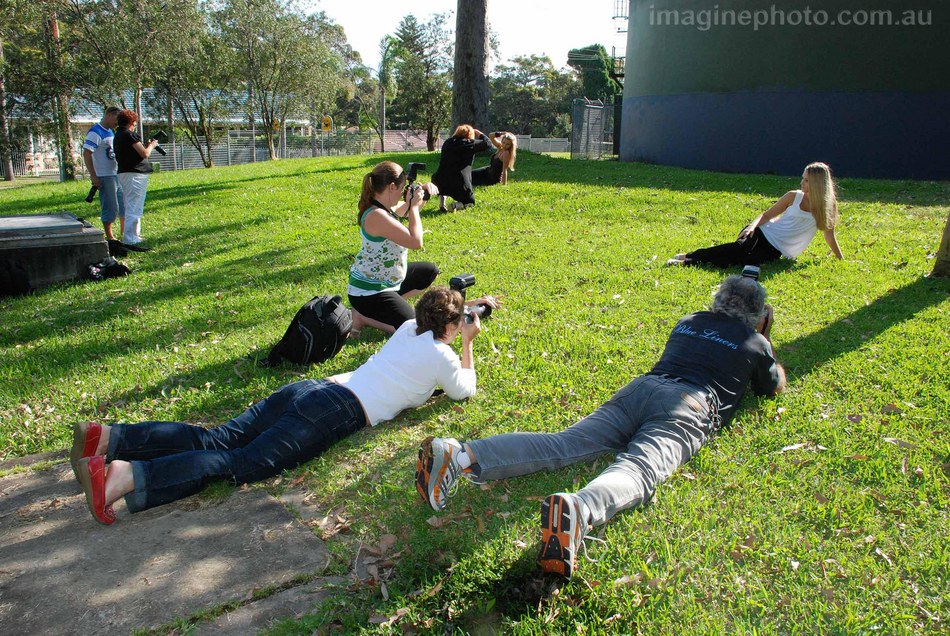
In this course we explain the various controls and settings that will allow you to be in control of your camera. You'll learn about exposure control, focusing techniques, manual controls etc. We show you how to set up your SLR for best results and how to be creative in your picture taking so that you can be confident of getting the result that you want.
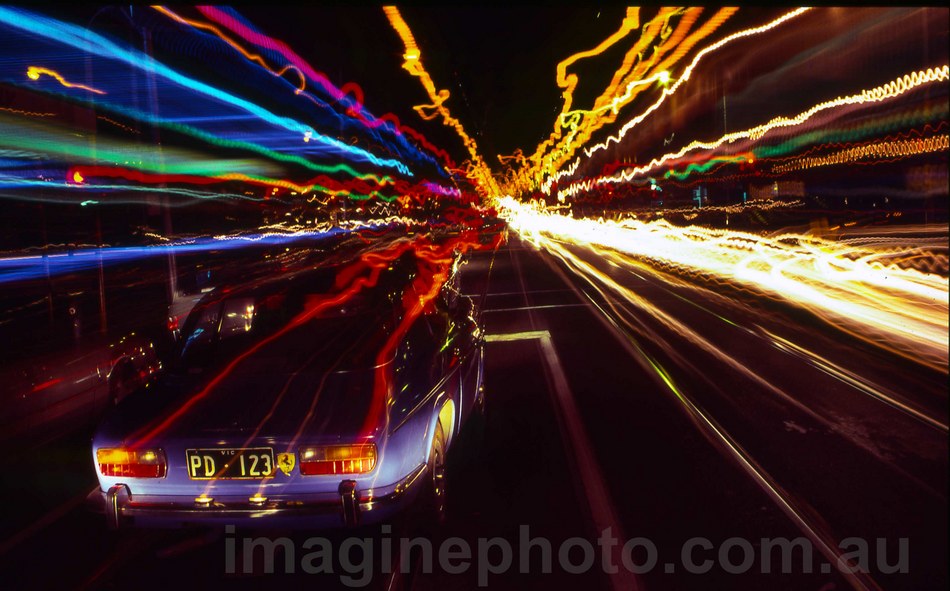
We also discuss topics such as Lighting, night photography, portraits, camera care and correct technique.
Course fee $210.00 (payable on enrolment)
Workshop dates: Thursday 26th April 6.30pm
Saturday 5th May 1pm
Saturday 2nd June 1pm
Tuesday 29th May 6.30pm
Basic SLR Photography
This course will introduce you to the exciting world of Digital SLR Photography.
It is designed to teach you how to be more creative and get the best out of your digital SLR camera.
You will learn how to control the various functions and options available and get better results than you thought possible.
This is a 5 week course conducted at our professional studio west of Newcastle, one evening per week with 1 weekend field trip to give you practical experience in getting the images right.
We show you how to simplify your camera settings as well as how to vastly improve your image success rate.
You will learn how to control light in your photographs and how to compose images that please the eye.
In the 'landscape' and 'portrait' field trip you will see how fun photography can be and learn to assess your results each time you shoot.
We also show you how to upload and manipulate your images on the computer to enhance your camera skills.
This is an evening course from 7pm to 9pm one day per week, with one field trip on a Sunday afternoon.
Courses begin on Tuesday 24th April 7pm
Thursday 31st May 7pm
( More dates to be announced)
Course fee is $380.00
(Payable on enrollment)
For more details contact Warren 02 49586503
Professional Portrait Photography
This is a course designed to show you how to produce stunning photographs of people.
This is not your average photography course. No "froth and bubble" lectures full of useless information.
Just solid, practical, guaranteed techniques to lift the standard of your images to a level
that you never thought possible.
Taught by a full-time working professional photographer in a fully equipped studio.
Within 3 weeks you will be shooting amazing images of professional models.
After 10 weeks you'll be shooting to a standard higher than many professional photographers.
There are no prerequisites for this course, apart from ownership of an SLR camera.
Learn
Studio Portraiture
Wedding Photography
Model Portfolios
Glamour Makeovers
Swimwear / Fashion
Outdoor Portraits
Raise your standards to a seriously professional level!
IMAGINE STUDIOS - one of Newcastle’s finest professional photographic studios will be conducting this comprehensive photographic course over 10 weeks at their Boolaroo Studio.The course is open to amateur and professional photographers but it is suggested that participants use an SLR camera ( digital or film ) and be conversant with its operation to get the most benefit from the course.
Course fee covers all:-
- Expert tuition
- Models fees
- Studio hire
The course has a large practical component where participants will use the studio’s facilities and the professional models supplied to apply their new found skills and build up a portfolio of great shots.
Your instructor will be Warren Marshall-proprietor of Imagine studios. Warren is widely recognised as a leader in the field of people photography. A professional photographer for 15 years Warren is well known for the innovative and sensitive style of his work.
The course will be run over 10 weeks,
2 hours per week (7pm - 9pm) .
Subjects Covered
How to pose people correctly
Using filters
Shooting with tungsten light
Composition within the frame
Controlling your camera efficientlyC31
Choosing the right materials
Portrait lighting basic to advanced
Putting some "WOW" into your images
Building a great portfolio
Stress free wedding photography
Earning money with your camera
Shooting Models
Using sunlight correctly
Daytime flash photography
Manipulation of digital images
Dealing with photolabs
Photographing kids and families
Mounting and spotting for display
Plus much more…..
Course Limit - 10 People -
(Your position will only be reserved upon receipt of full payment.)
All inclusive cost ...$550.00
Fees payable in advance to:
Imagine Studios
89 Main Road
Boolaroo NSW 2284
Testimonials
This photography course was fantastic. My skills improved dramatically as did my confidence which I attribute to the encouraging environment that was provided.
The course was practical and "hands on" and the theory was quite advanced but delivered in an easy to understand manner.
Not only have I taken away many skills, but also great friendships with people who share my passion.
Maree
I joined the course to learn how to get better photos of my grandchildren. Not only did I get that but now I'm earning good money in my retirement taking portraits and shooting model portfolios.
Warren has given me the confidence and the skills to really have fun with my camera.
Kevin
I've done lots of photography courses all over NSW.
This is the only one that prepares you fully for a career in photography
It's BRILLIANT!
Paul Grace
Grace Photography & Imaging
LITHGOW
ENROLLING NOW for next course
Places available for course beginning
Wednesday 9th May 2012
We also do private tuition by arrangement
during business hours
Don't wait....courses fill quickly!
Contact: warren@imaginephoto.com.au
COURSE SCHEDULE
Week 1
Introduction to the art
of people photography
(secrets of success)
Week 2
Lighting techniques basic to advanced.
Natural light & Studio lightC1
Week 3
Studio shoot - portraits
How to light, pose & compose
(model supplied)
Week 4
Glamour Shoot
More intimate, flattering style
(model supplied)
Week 5
Wedding Photography
Stress free approach
(tips & techniques)
Week 6
Model Portfolio shoot
Something different
(model supplied)
Week 7
Photography as a Profession
Making money shooting people
Week 8
Fashion / Swimwear shoot
(model supplied)
Week 9
Location shoot - Saturday/Sunday
Posing couples, fill flash
using sunlight, etc
(2 models supplied)
Week 10
Photo assessment,
'Photoshop' techniques
Where to from here? Wrap up.
CLASSES FILL QUICKLY ......DON'T DELAY!
Contact: warren@imaginephoto.com.au
Adobe Photoshop for Photographers
Photo editing skills that are essential for digital photographers.
After many requests from students and photographers, “IMAGINE STUDIOS” have introduced this instructional course to enable you to get more from your digital editing software.
Based on the “ADOBE Photoshop” creative suite software that is the industry standard for photographers, participants will be instructed in basic to advanced image manipulation and work flow techniques.
The course will be suitable for those with little or no experience with “Photoshop” up to intermediate users.
We will be concentrating on the most useful information and techniques for the average portrait and landscape photographer however many of the skills learned will apply to any area of digital image manipulation.
A digital projector and large screen will be used to demonstrate the techniques and students will be given relevant notes to take home for future reference.
ENROLLING NOW FOR COURSE
BEGINNING Tuesday 5th June
The course will be run over 6 weeks,
2 hours per week (7pm - 9pm)
Course fee of $550.00 to be paid on enrollment.
Enquiries to :- Imagine Photo Studios
02 49586503
warren@imaginephoto.com.au
LESSON 1
What is Adobe Photoshop
Versions of Photoshop
Other adobe software - Elements, Raw, Lightroom etc
Buying Photoshop
File types
Image capture
Filing your images
Adobe Bridge
Choosing a colourspace
Photoshop workspaces explained
Opening an image
Image security
Saving an image
Setting personal preferences
Setting up your workspace
Image resolution
LESSON 2
Menus explained– File, Edit, Image, Layer,
Select, Filter, Analysis,
View, Window.
The toolbar– Where the fun starts!
Move tool, Marquee tools, Lasso tools
Quick selection tool, Magic wand tool
Crop, Healing and Brush tools, Patch tool
Red eye tool, Clone stamp and eraser tools,
Blur, sharpen and smudge tools,
Burn and dodge Tools, Text tool,
Move and Zoom tool.
Customising your keyboard shortcuts.
LESSON 3
Fixing and repairing an image
Straightening
Cropping
Transforming
Levels, curves, brightness, contrast
Using the cloning and healing brushes
Sharpening Options
Smoothing skintones
Restoring old photographs
Producing quality Black & White images
Conversion methods
Achieving max. black and max. white
Tweaking the tonal range
Adding colour– toning and dyeing
Black & White effects
LESSON 4
Working on sections of the image
Using the various selection tools
Feathering selections
Using the “liquify” tools
Transforming - scale, perspective, warp, etc
Using masks
LESSON 5
Using layers
Adjustment layers
Filters
Plug-ins, add-ons and downloads
Adding text to an image
Colour Pop– adding colour to a B&W image
Changing the background
Manipulating Opacity
LESSON 6
Recording and using Photoshop actions
Automating your work—batch processing
Producing a panorama with photomerge
Adding watermarks to your photographs
Monitor Calibration
Printing images
Producing slideshows